
Owner Portal Branding
Now Live in Every Account
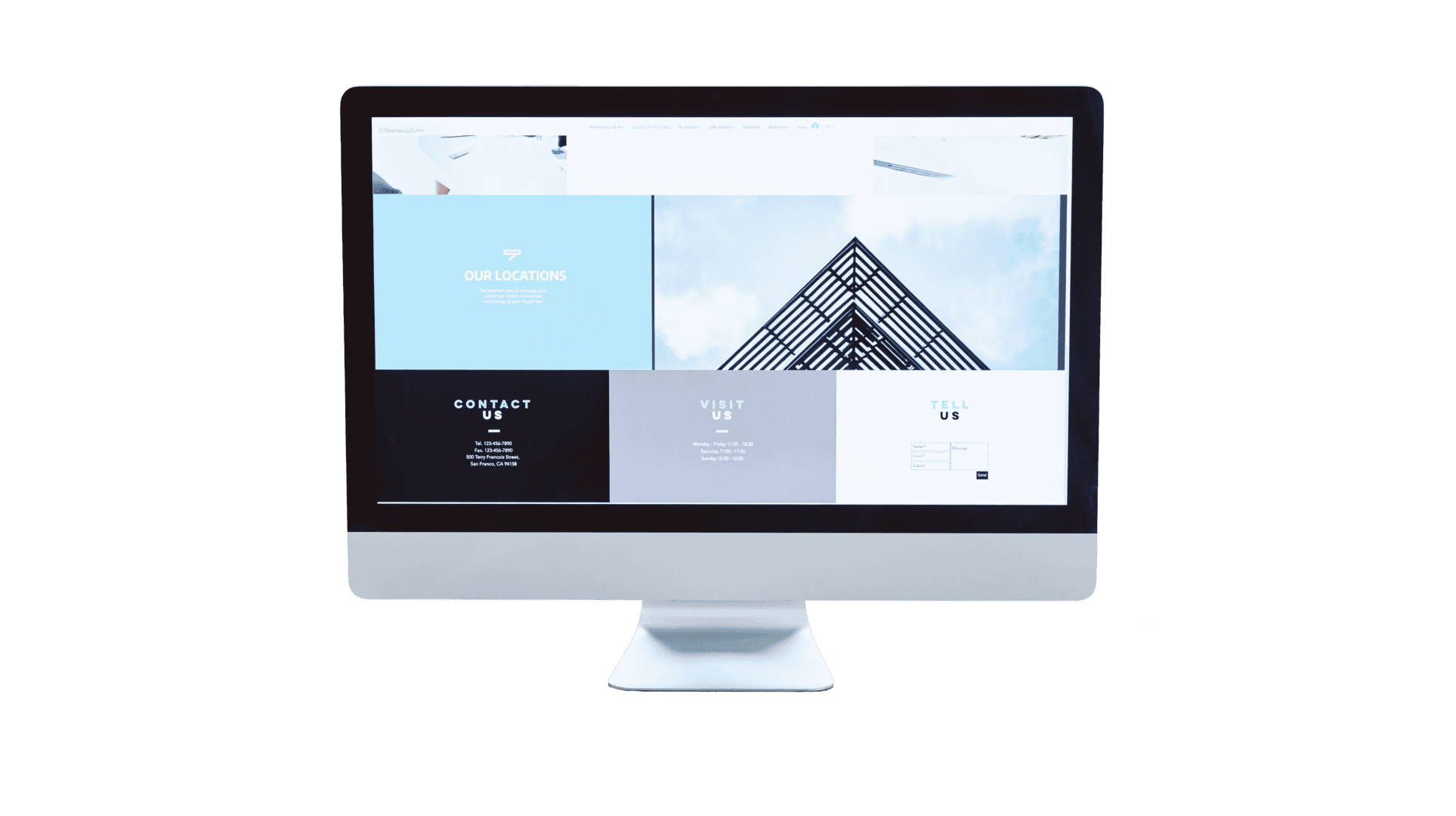
Every property manager can now put their own brand in front of owners on the new Owner Portal. While a small lift, this makes the whole owner relationship feel more professional and more "yours," which supports owner retention. To set this up for yourself, navigate to Primary Color and Logo, under Configuration > Owner Preferences > Owner Portal > Display Settings.
What's New
Primary Color and Logo settings apply across the full Owner Portal web and mobile experience.
No support request needed; now available out of the box for all accounts.